 Vibrate Phone
What Can a Phone Vibration Motor Actually Do?
Explore the capabilities and limitations of a smartphone vibration motor, from haptic feedback and notification patterns to personal wellness uses.
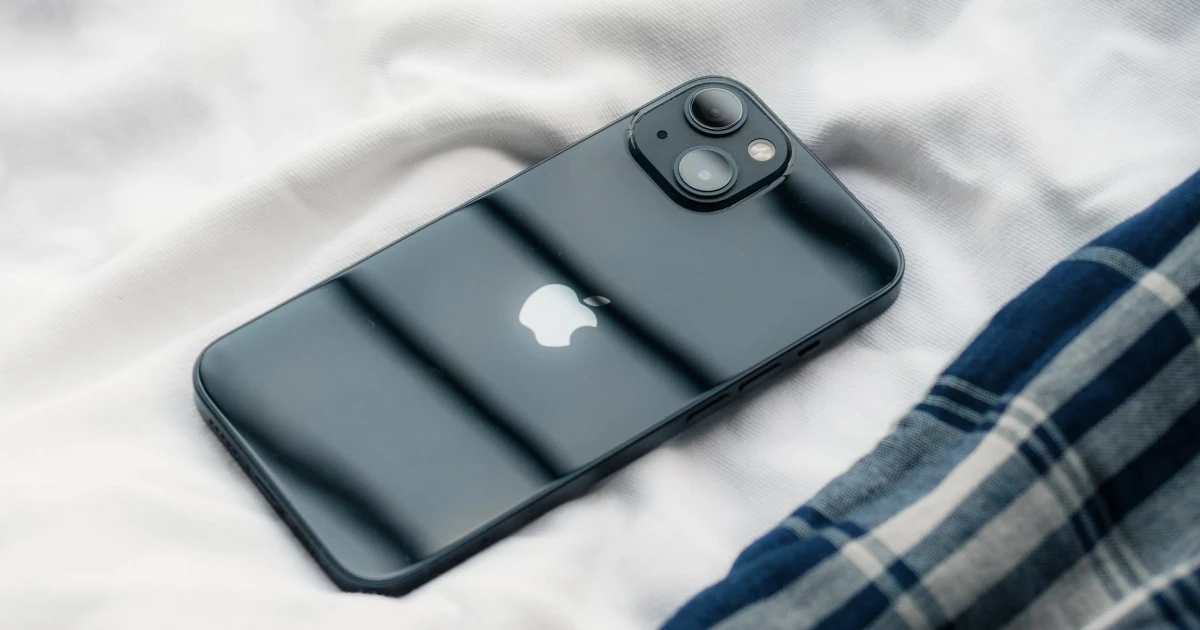
A smartphone can do much more than produce a single generic buzz. Depending on its hardware and software, it can deliver brief taps, repeated pulses, and other tactile effects that communicate information or support an app’s intended experience.
But a phone’s vibration motor has physical limits. Understanding what it can and cannot do helps set realistic expectations, especially when exploring apps that use vibration for purposes beyond notifications.
What is a phone vibration motor?
A vibration motor is a small component inside a phone that creates physical movement. That movement is transmitted through the device and perceived as vibration.
Smartphones use different technologies to generate this movement. Some devices use an eccentric rotating mass motor, which creates vibration through a rotating weight. Others use linear resonant actuators or more advanced haptic systems designed to provide more controlled tactile feedback.
Apple calls its haptic system the Taptic Engine on supported iPhone models. The specific hardware and capabilities depend on the device generation.
These systems do more than make a phone shake. They can provide tactile signals that accompany notifications, controls, and supported app interactions.
For more background, read How iPhone Vibration Works.
What can a vibration motor do?
The capabilities of a phone’s vibration hardware depend on its design, operating system, and the APIs available to apps.
1. Deliver alerts without sound
Vibration can notify you about calls, messages, and other events when sound is inconvenient or undesirable.
This is one of the most familiar uses of phone vibration. The tactile signal gives you another way to notice an event without relying entirely on an audible alert.
2. Confirm an interaction
Haptic feedback can reinforce actions such as selecting a control or completing an operation.
A short tap may communicate confirmation, while another effect may signal a different state. Used carefully, these effects can make an interface feel more responsive.
Apple’s guidance on playing haptics describes how tactile feedback can complement visual and audio information.
3. Produce different patterns
Supported software can trigger different haptic effects and sequences. A pattern might consist of a single tap, several pulses, or events separated by pauses.
The timing and arrangement of these events influence how the pattern feels. However, the number of patterns an app offers does not tell you how powerful its hardware is.
4. Support specialized app experiences
Developers can use haptics in applications that need tactile feedback. Apple’s Core Haptics framework provides tools for creating customized haptic experiences on supported devices.
Depending on the app, vibration may be used for interactive feedback, accessibility-related experiences, games, or personal wellness activities.
The important distinction is that software determines which supported effects are requested, while the hardware determines what the phone can physically produce.
What determines how strong vibration feels?
There is no single setting that describes the entire physical experience of phone vibration.
Several factors can affect how it feels.
- Hardware design: Different actuators have different physical characteristics. A phone’s size, construction, and haptic component all influence its output.
- Software control: Apps and operating systems may offer different haptic effects and parameters. These remain constrained by the hardware.
- Pattern timing: Short pulses, longer events, and repeated sequences can feel different even when they come from the same device.
- Contact and surroundings: Holding a phone, placing it on a hard surface, or resting it against a soft surface changes how movement is transmitted and perceived.
- Individual perception: People do not all perceive the same tactile sensation in the same way. What feels noticeable to one person may feel subtle to another.
These factors explain why an app cannot guarantee an identical experience across every phone.
Can software make vibration stronger?
Not beyond the phone’s physical capabilities.
An app may be able to select among supported effects or adjust available parameters, depending on the operating system and hardware. It cannot transform a small haptic component into a substantially more powerful motor through software alone.
Be cautious of claims that an app can dramatically increase vibration strength without any hardware change. A different pattern may feel more noticeable, but that does not necessarily mean the motor is producing greater physical output.
Similarly, a control labelled “maximum intensity” may refer to the strongest effect available through that app’s implementation, not a standardized physical measurement.
Can a phone vibration motor be used for personal massage?
Some adults explore phone vibration as part of a personal relaxation or massage routine. A compatible app may provide different patterns that users can try according to their preferences.
However, a smartphone is not designed to replace a purpose-built personal massager.
A dedicated device may have different motor characteristics, contact surfaces, intensity controls, and materials intended for its specific use. A phone’s vibration system is primarily designed for tactile feedback and alerts.
If you are considering phone-based vibration:
- Check the app’s actual features and device compatibility.
- Start gently and stop if the sensation becomes uncomfortable.
- Avoid prolonged pressure against sensitive areas.
- Do not expose your phone to moisture or other conditions outside its safety instructions.
- Keep realistic expectations about the strength and range of sensations.
For a practical comparison, see Can You Use Your Phone as a Personal Massager?.
Why vibration patterns are not standardized
Two apps may offer controls with similar names but produce different experiences.
One app might provide a few predefined haptic effects. Another might use a sequence of events. The available controls depend on how the developer implements haptics and which APIs the platform supports.
The terms used in an interface are not necessarily standardized measures of physical output. For example, a pattern called “strong” in one app cannot automatically be compared with a similarly named pattern in another.
When comparing apps, look for clear descriptions of what their controls do, whether they support your device, and whether the experience is easy to stop or adjust.
How to manage vibration on your phone
If your goal is to control everyday alerts and system feedback, review the settings available on your device.
On iPhone, open Settings → Sounds & Haptics to explore available options for sounds and haptic feedback. The exact controls vary by iOS version and device.
You can also consult Apple’s guide to changing iPhone sounds and vibrations.
Remember that system settings may not control every app-specific haptic effect in the same way. Check the settings within the app as well.
Understand the hardware before choosing an app
A phone vibration motor is a small but useful piece of hardware. It can deliver alerts, reinforce interactions, and support different tactile experiences through compatible software.
Its limits are just as important as its capabilities. Software cannot exceed the physical limits of the actuator, and a smartphone’s haptic system is not equivalent to a dedicated massage device.
If you want to explore app-based vibration, visit Vibrate Phone on the App Store to check its current features, pricing, and compatibility with your device.
Frequently asked questions
- Can a phone vibration motor create different patterns?
- Yes. Depending on the device and supported software APIs, apps can trigger different haptic effects and sequences. The available patterns and controls vary by platform and hardware.
- Can an app make a phone vibrate more strongly than its hardware allows?
- No. Software can request supported effects, but it cannot overcome the physical limits of the phone's vibration hardware.
- Is a phone vibration motor the same as a personal massager?
- No. A phone's vibration system is designed primarily for haptic feedback and alerts. A purpose-built personal massager is designed for a different use and may produce substantially different sensations.
- Why does my phone vibrate differently on a table than in my hand?
- The surface, how the phone is held, and the way vibration travels through the device can change how the sensation is perceived.
Get Vibrate Phone on the App Store
Experience deep relaxation in the palm of your hand.
Transform your iPhone into a powerful personal massager and vibrator. Discover custom vibration patterns, soothe muscle tension, and enjoy private intimate pleasure whenever you want. Free to download on the App Store.

Keep reading

Best Vibrator Apps for iPhone: What to Look For
Compare iPhone vibrator apps by vibration controls, privacy, usability, and price. Learn what to look for and whether Vibrate Phone suits your needs.
How iPhone Vibration Works: Haptics Explained
Learn how iPhone vibration works, what the Taptic Engine does, and how hardware, software, and vibration patterns affect haptic feedback.
Can You Use Your Phone as a Personal Massager?
Learn how to use an iPhone as a personal massager, what to expect from a vibrator app, how it compares with a dedicated device, and how to prioritize comfort and safety.